Grading schemes
Configure how grades are calculated
Grading schemes
A scheme defines how final grades are calculated for a group.
Structure
Schemes have 3 levels:
- Scheme: Main container with name and dates
- Periods: Time divisions (e.g., "First period", "Second period")
- Components: Individual items (exams, projects, quizzes)
Access the scheme
- On the group card, click the Scheme icon
- Or navigate to Groups → select a group → Grading scheme
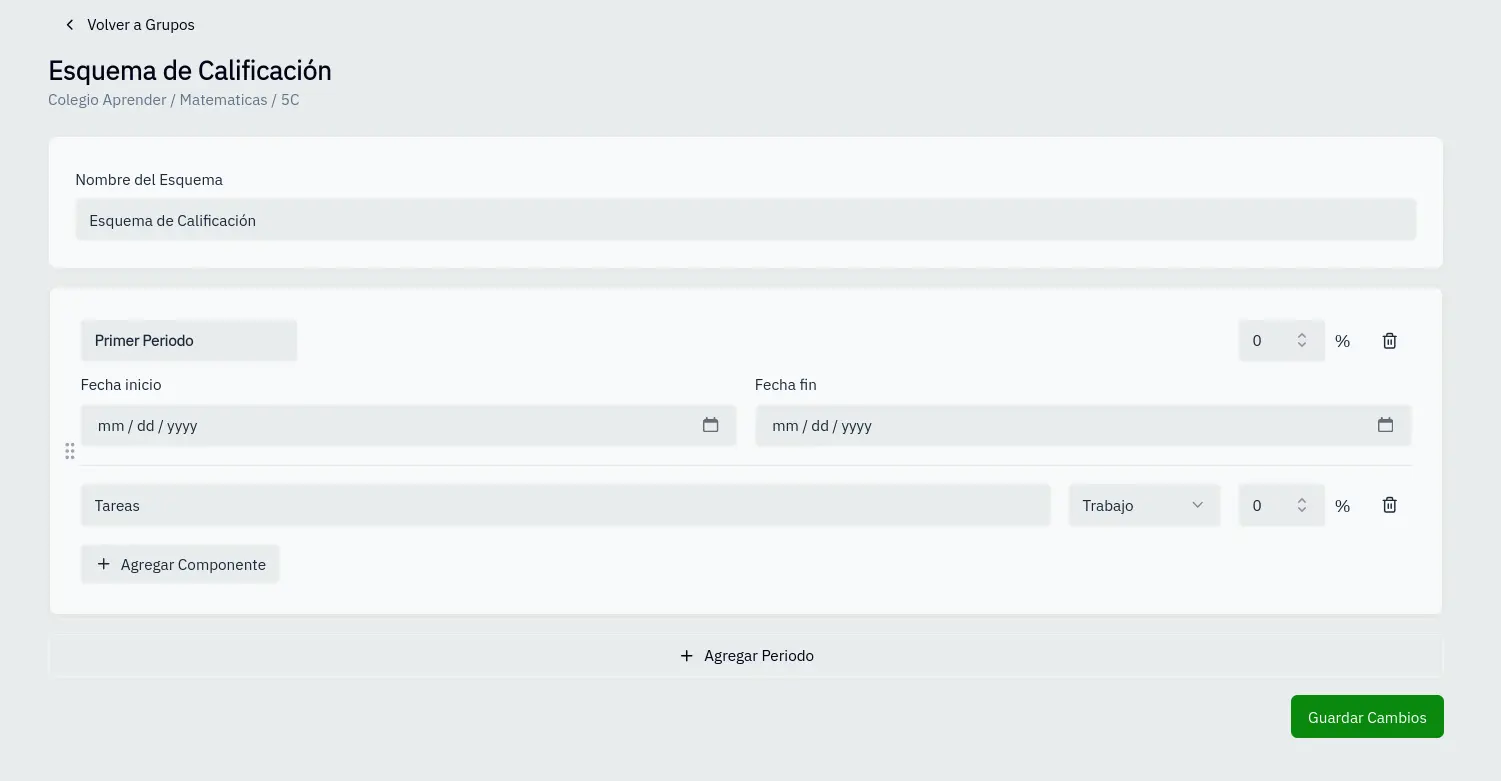
Configure the scheme
- Name the scheme in the top field
- Add periods with the corresponding button
- For each period configure:
- Name: Period identifier
- Percentage: Weight in final grade
- Dates: Start and end of period
- Add components to each period:
- Name: Component name
- Type: Exam, project, quiz, or work
- Percentage: Weight within the period
- Click Save changes
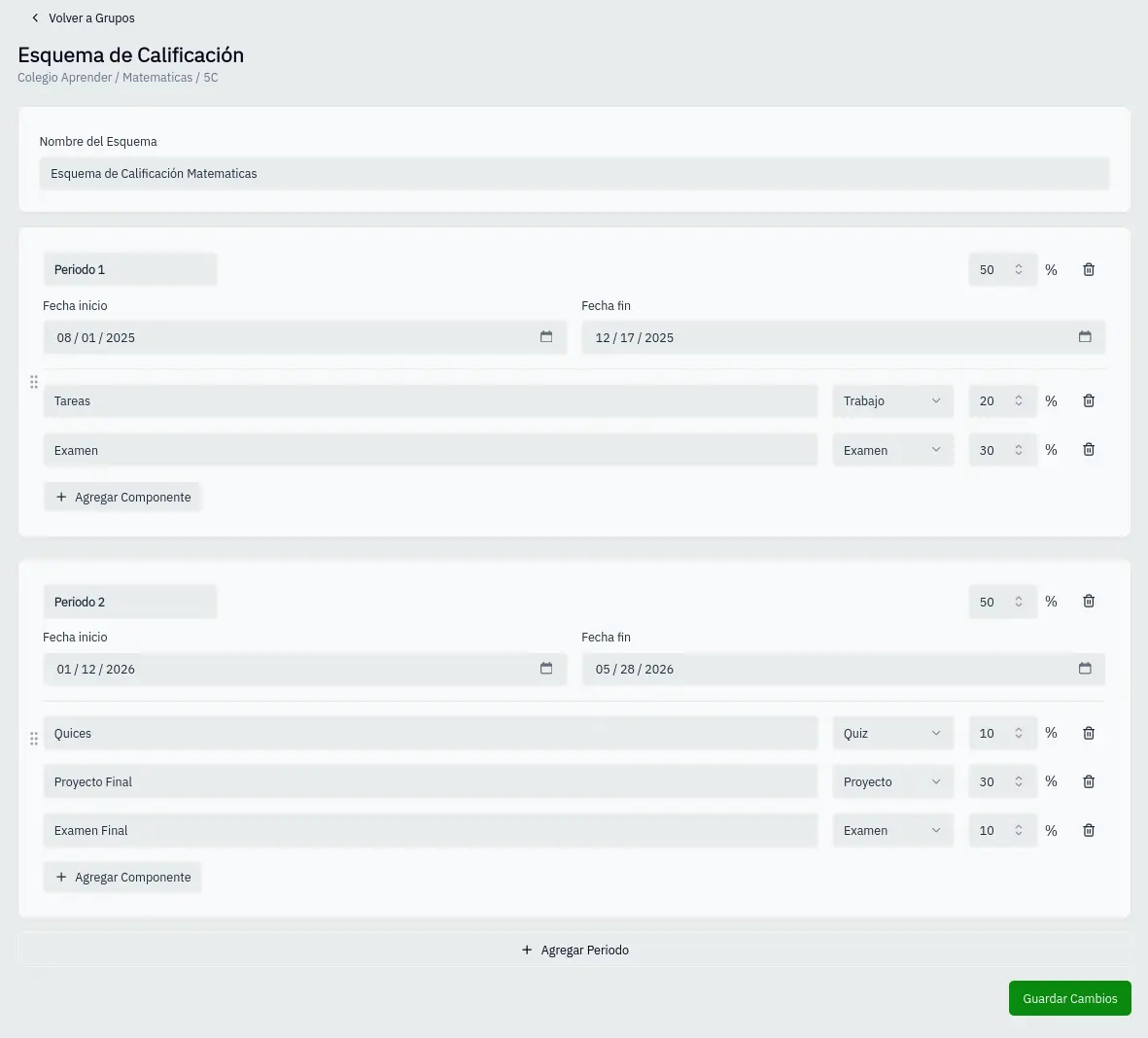
Component types
| Type | Use |
|---|---|
| Exam | Formal evaluations |
| Project | Long-term work |
| Quiz | Short evaluations |
| Work | Tasks and activities |
Validation rules
- Period percentages must add up to 100%
- Components in each period must add up to the period's percentage
- Start dates must be before end dates
You can drag periods to reorder them.