Student results
Individual grades for each student
Student results
View each student's grade and their answers.
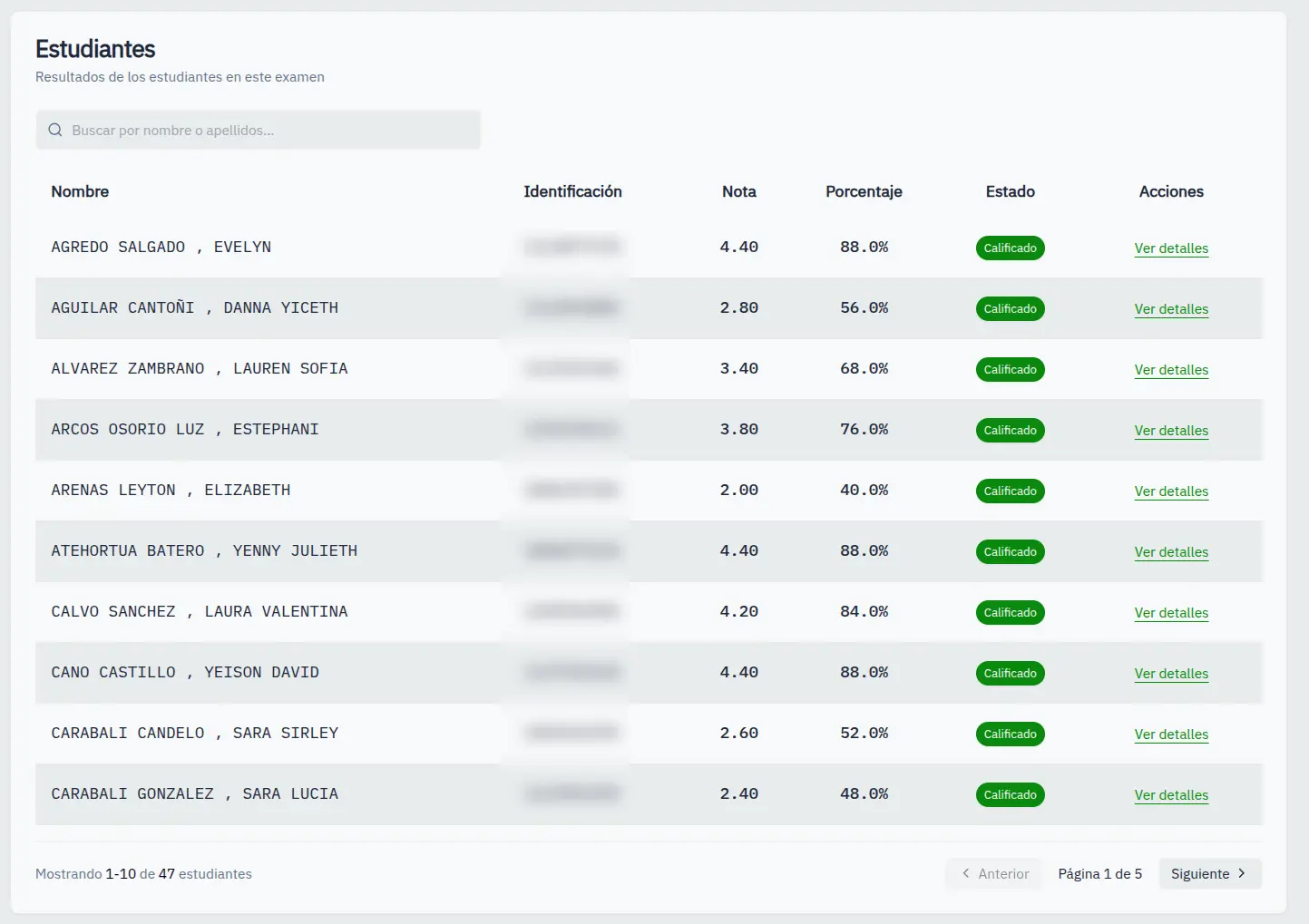
Results table
The table shows:
| Column | Content |
|---|---|
| Name | Student's full name |
| ID | Identification number |
| Grade | Score obtained |
| Percentage | % correct answers |
| Status | Graded or Not submitted |
| Actions | View details, manual grade |
Search student
Use the search field to filter by name.
View details
- Click View details
- A dialog opens with 3 tabs:
- Answers: Marked bubbles vs correct ones
- Original image: Scanned photo
- Processed image: Image with detection
Correct answer
If you detect a detection error:
- In the answers tab
- Click on the correct bubble
- Confirm the change
- Grade recalculates
Correcting answers affects the student's grade immediately.