Print guidelines
Recommendations for correct printing
Print guidelines
Follow these recommendations to ensure successful scanning.
Recommended paper
| Characteristic | Recommendation |
|---|---|
| Size | Letter or A4 |
| Color | White |
| Weight | 75-90 g/m² (normal paper) |
Print settings
- Scale: 100% (don't fit to paper)
- Orientation: Portrait
- Margins: Use document margins
- Color: Black and white is enough
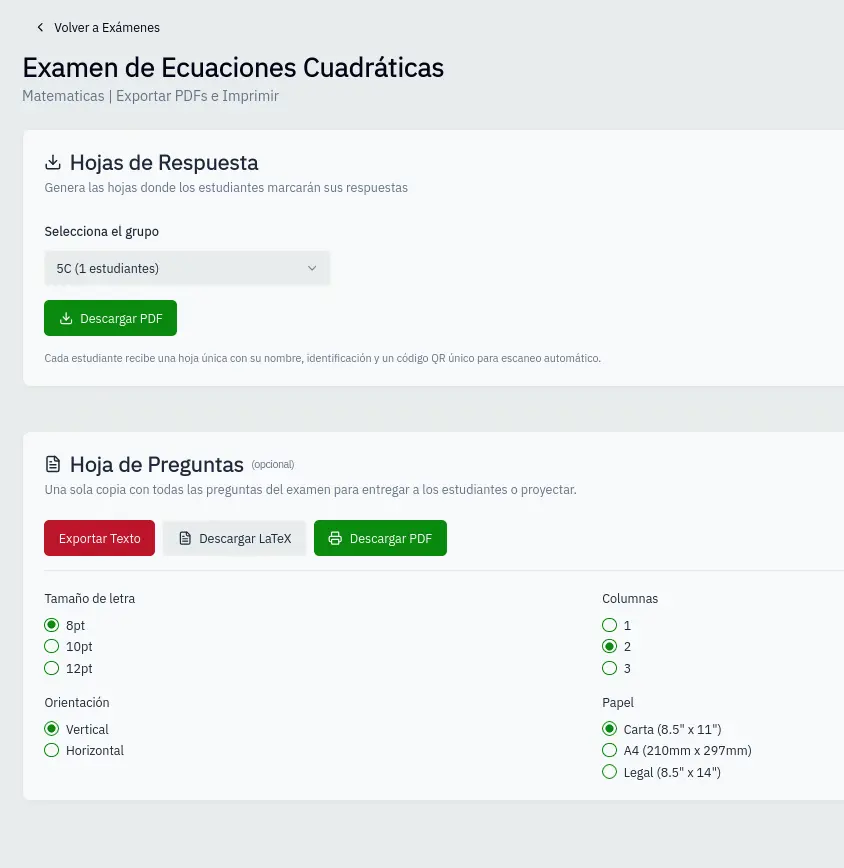
Verifications before printing
- QR is readable in preview
- Bubbles appear complete
- Corner markers are visible
- No cuts on edges
What to avoid
| Problem | Consequence |
|---|---|
| Scaling the document | Distorted QR and bubbles |
| Printing on colored paper | Harder detection |
| Low print quality | Blurry bubbles |
| Folding sheets | Damages QR and markers |
For students
Tell your students to:
- Use dark pencil or black pen
- Fill bubbles completely
- Don't make marks outside bubbles
- Don't fold or damage the sheet
Poor print quality can cause scanning errors.