Generate PDF
Download answer sheets and exams
Generate PDF
Generate personalized answer sheets for each student.
Access
- Open the exam you want to print
- The exam must be published
- Click Download PDF
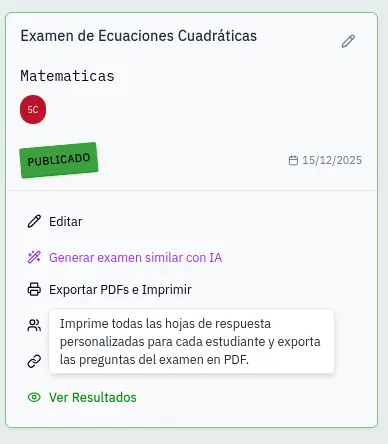
Select group
- Select the group from the dropdown menu
- The system generates a PDF with one sheet per student
- Wait while it generates (may take a few seconds)
- The PDF downloads automatically
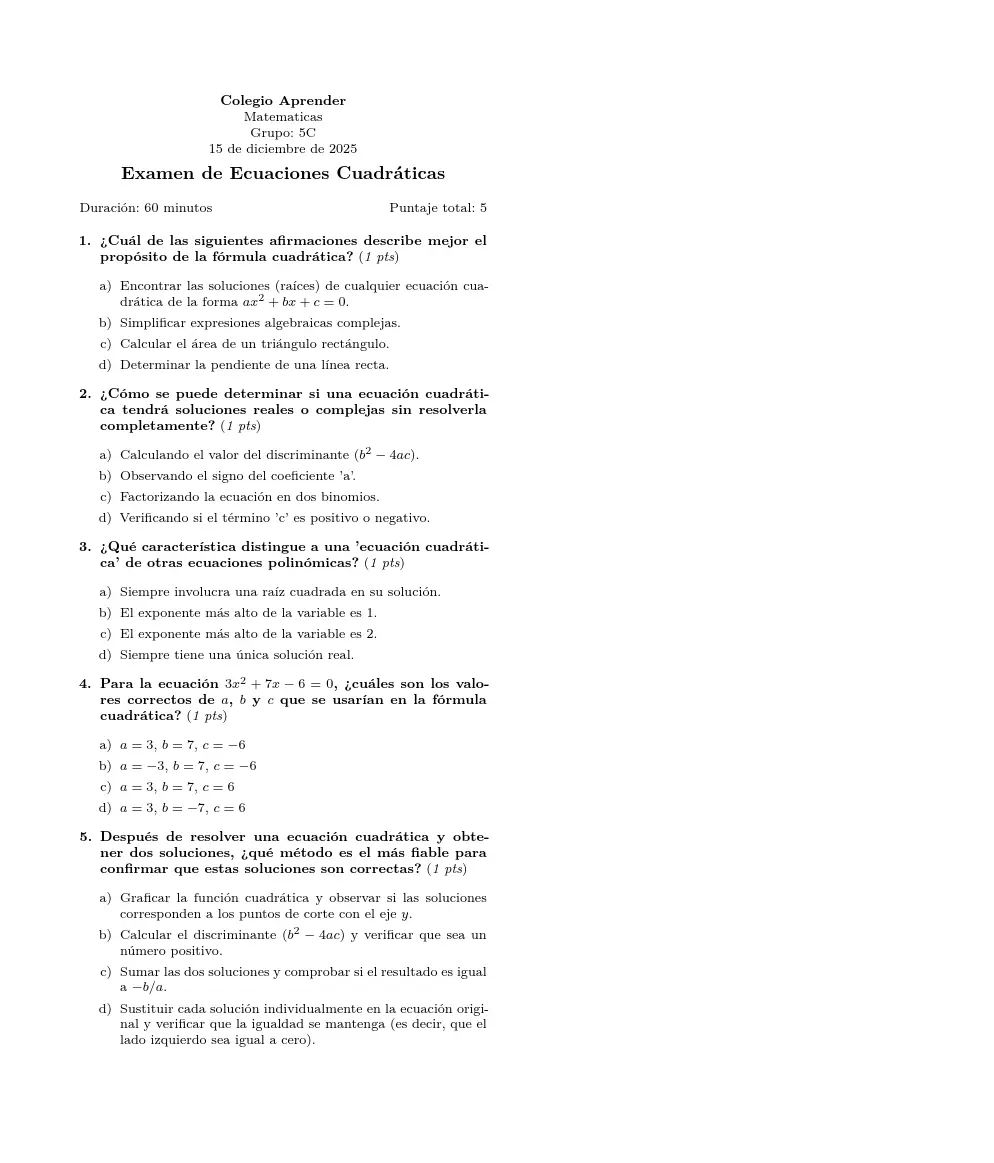
PDF content
Each answer sheet includes:
- Unique QR to identify the student
- Student data: name, identification, group
- Exam data: title, subject, duration
- Answer bubbles: organized in 2 columns
- Corner markers: for scan calibration
Multiple pages
If the exam has more than 40 questions, multiple pages are generated per student with a page indicator.
PDFs are generated sorted alphabetically by student's last name.