Create institution
Add your educational institution
Create institution
An institution represents your school, university, or educational center.
Access institutions
- In the sidebar, click Institutions
- You'll see your institutions list (or an empty state if it's your first)
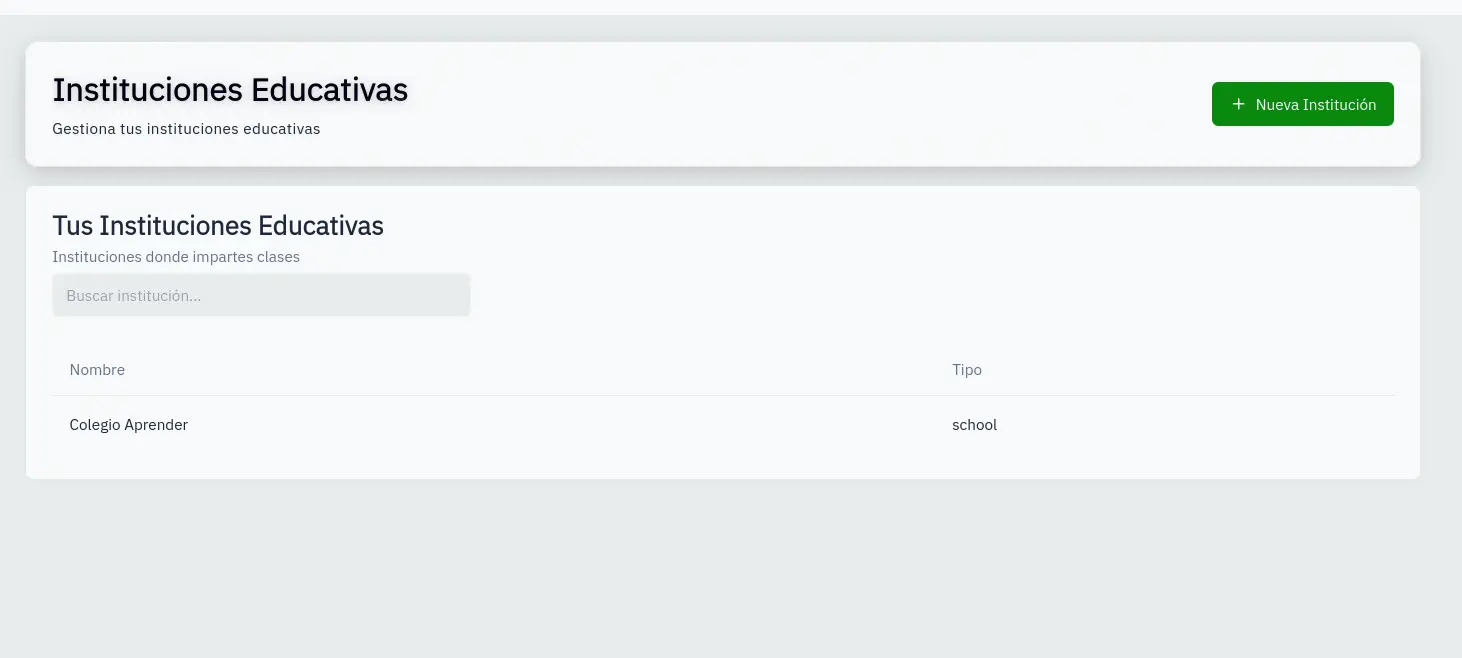
Add new institution
- Click the New Institution button
- Fill in the form:
- Name: Your institution's name
- Type: University, Institute, or School
- Click Create
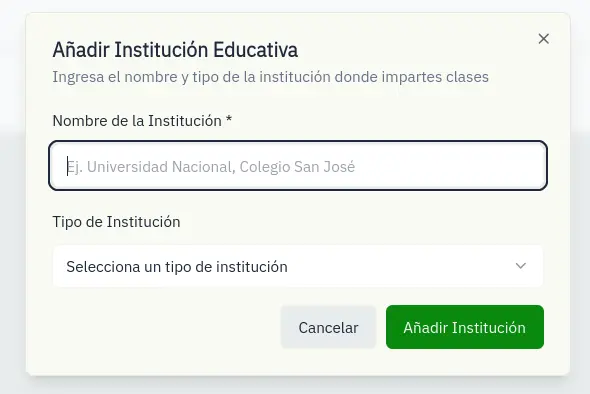
Search institutions
Use the search field to filter by name or type.
You can create multiple institutions if you teach at different places.