Capture image
Take photos of answer sheets
Capture image
Capture answer sheets with your device's camera.
Open camera
When clicking the capture area, your device's camera opens.
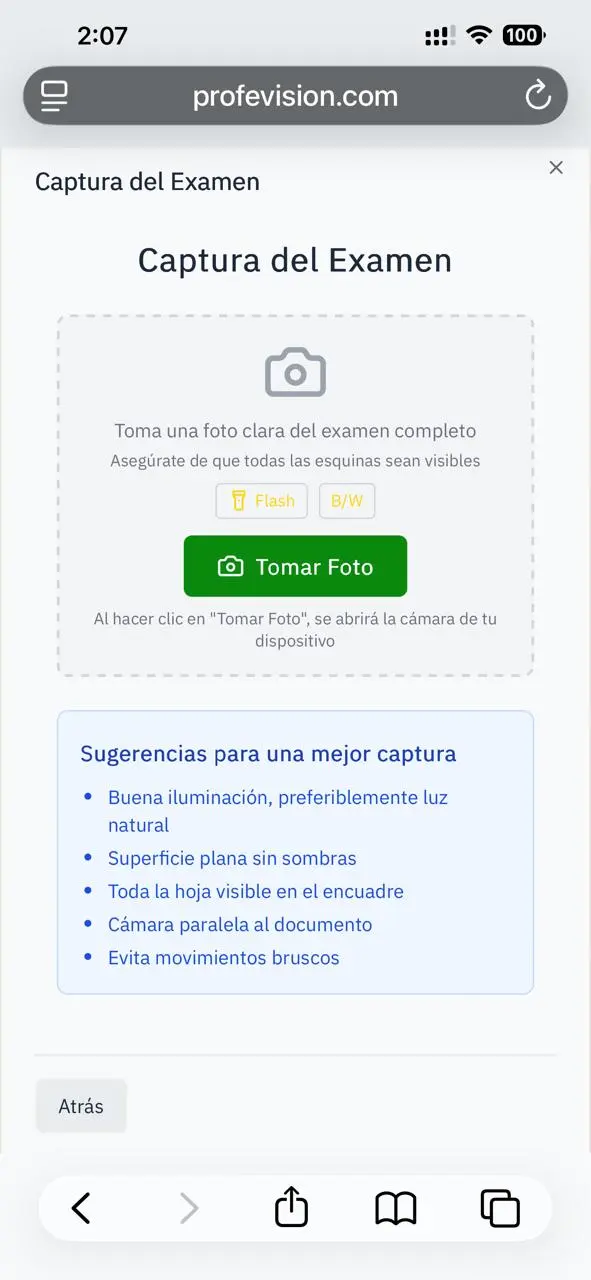
Capture options
| Option | Description |
|---|---|
| Flash | Turn flash on/off |
| B/W | Black and white mode (better contrast) |
How to capture
- Place the sheet on a flat surface
- Make sure the entire sheet is visible
- Verify the QR is completely visible
- Take the photo
Preview
After capturing:
- Check that the image is clear
- If not good, click Retake
- If good, click Continue
Processing
After confirming the image, the system automatically processes the answer sheet.
Tips
- Use good natural or artificial lighting
- Avoid shadows on the sheet
- Don't tilt the phone too much
- Keep the phone stable
If the image is blurry or the QR isn't readable, the scan will fail.