Setup wizard
Set up your account step by step
Setup wizard
The wizard guides you through 6 steps to set up your account. It takes about 2 minutes.
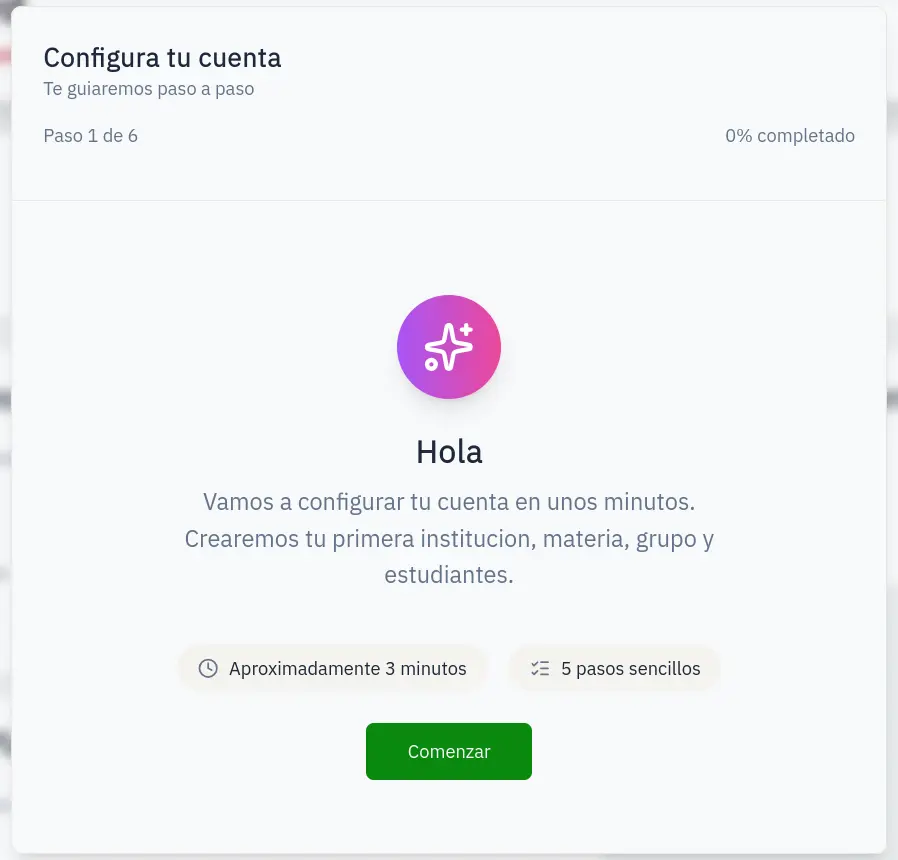
Step 1: Welcome
Introduction screen. Click Start.
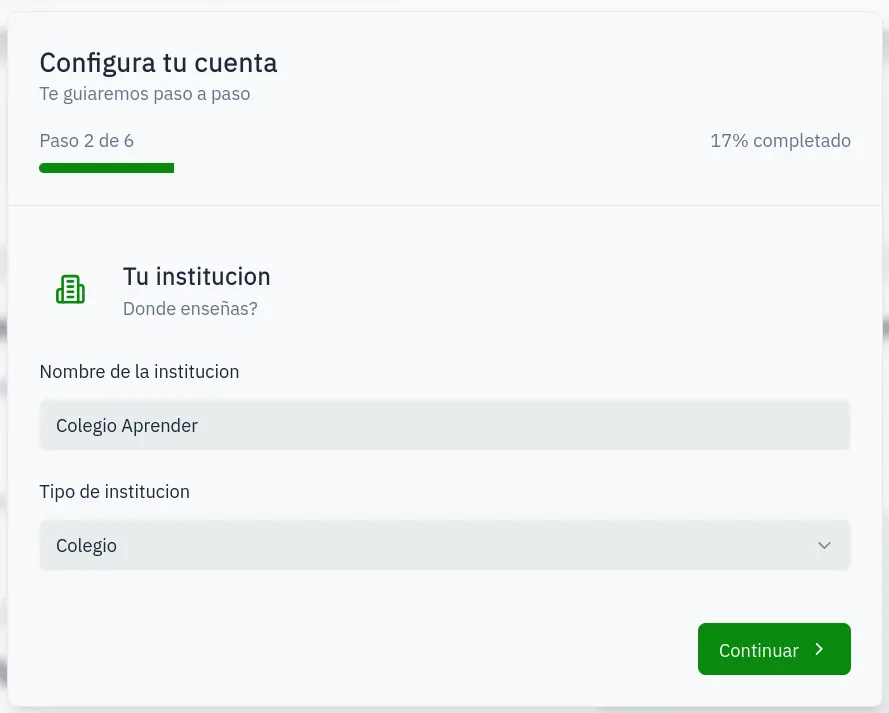
Step 2: Create institution
Enter your institution details:
- Name: Your school or institution name
- Type: School, university, institute, academy, or other
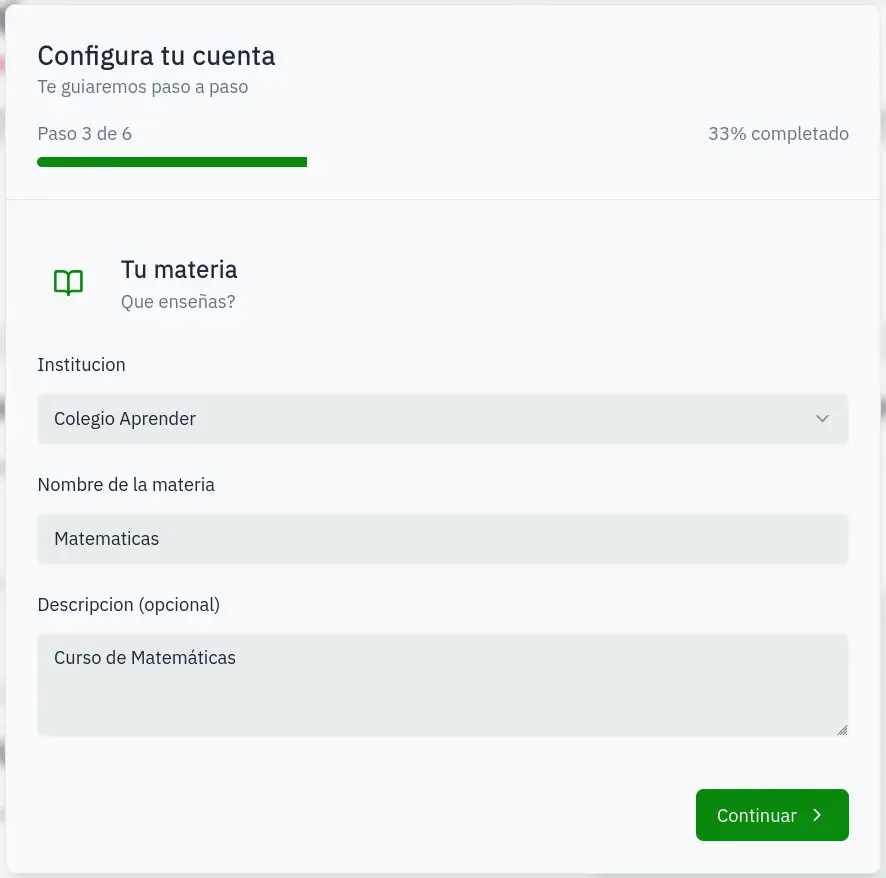
Step 3: Create subject
Create your first subject:
- Institution: Auto-selected
- Name: Subject name
- Description: Optional
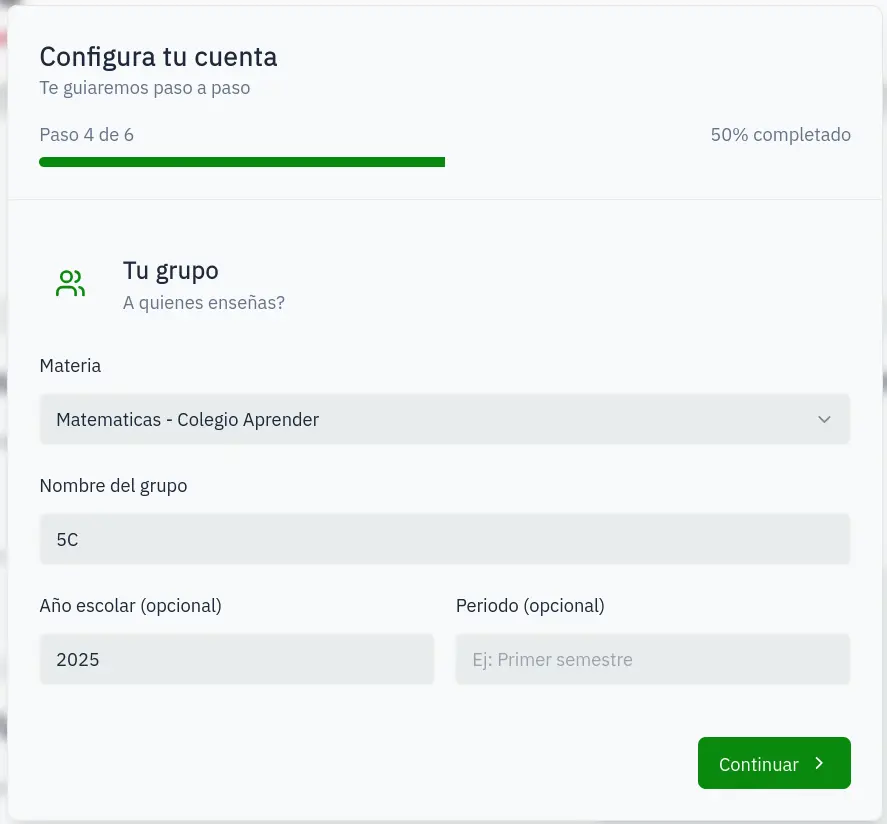
Step 4: Create group
Create your first student group:
- Subject: Auto-selected
- Name: Group name (e.g., "3rd A")
- Year: School year (optional)
- Period: School period (optional)
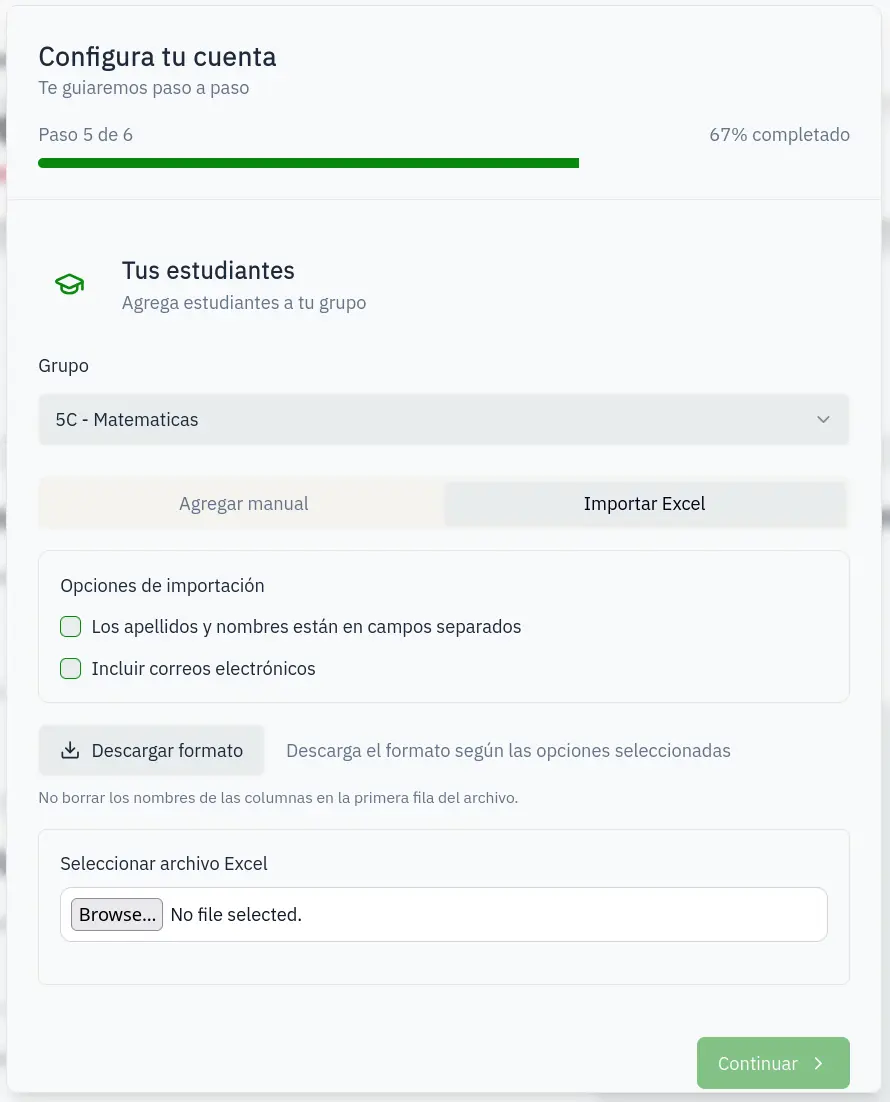
Step 5: Add students
Add students to your group:
- Manual: Enter name and ID one by one
- Import: Upload an Excel file
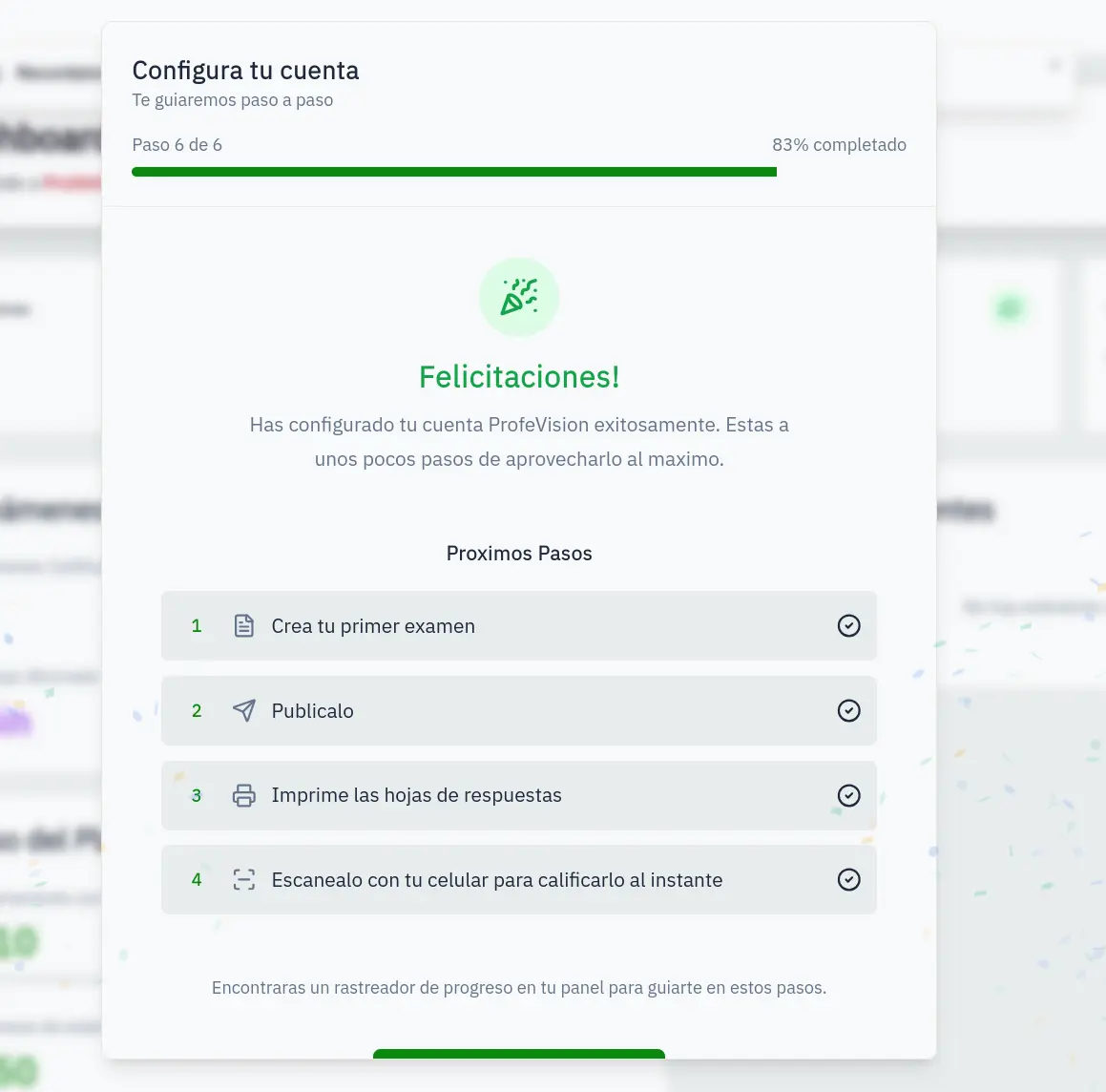
Step 6: Complete
Setup complete! You'll see recommended next steps.
Your progress is saved automatically. If you leave, you'll continue where you left off.