First login
What to expect on your first login
First login
After verifying your email, sign in to start using ProfeVision.
Sign in
- Go to the login page
- Enter your email and password
- Complete the security CAPTCHA
- Click Sign in
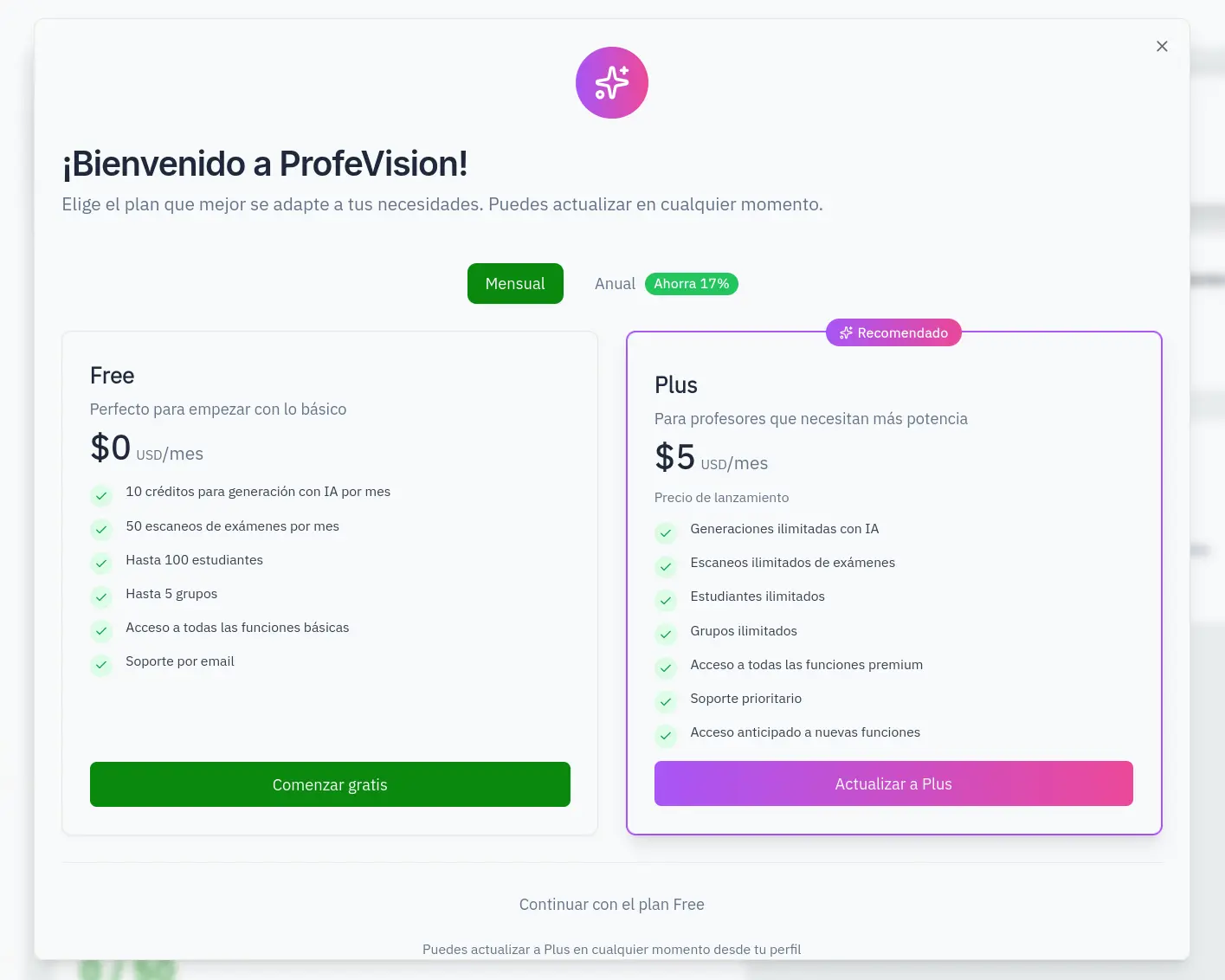
Welcome modal
On your first login you'll see a welcome modal with plan options:
- Free Plan: Basic features with limits
- Plus Plan: Unlimited features
You can choose:
- Start for free: Continue with the free plan
- Upgrade to Plus: Unlock all features
You can upgrade to Plus at any time from settings.
After the welcome modal, the setup wizard will guide you step by step.