Create an account
Register your ProfeVision account
Create an account
To use ProfeVision you need to create a free account.
Steps
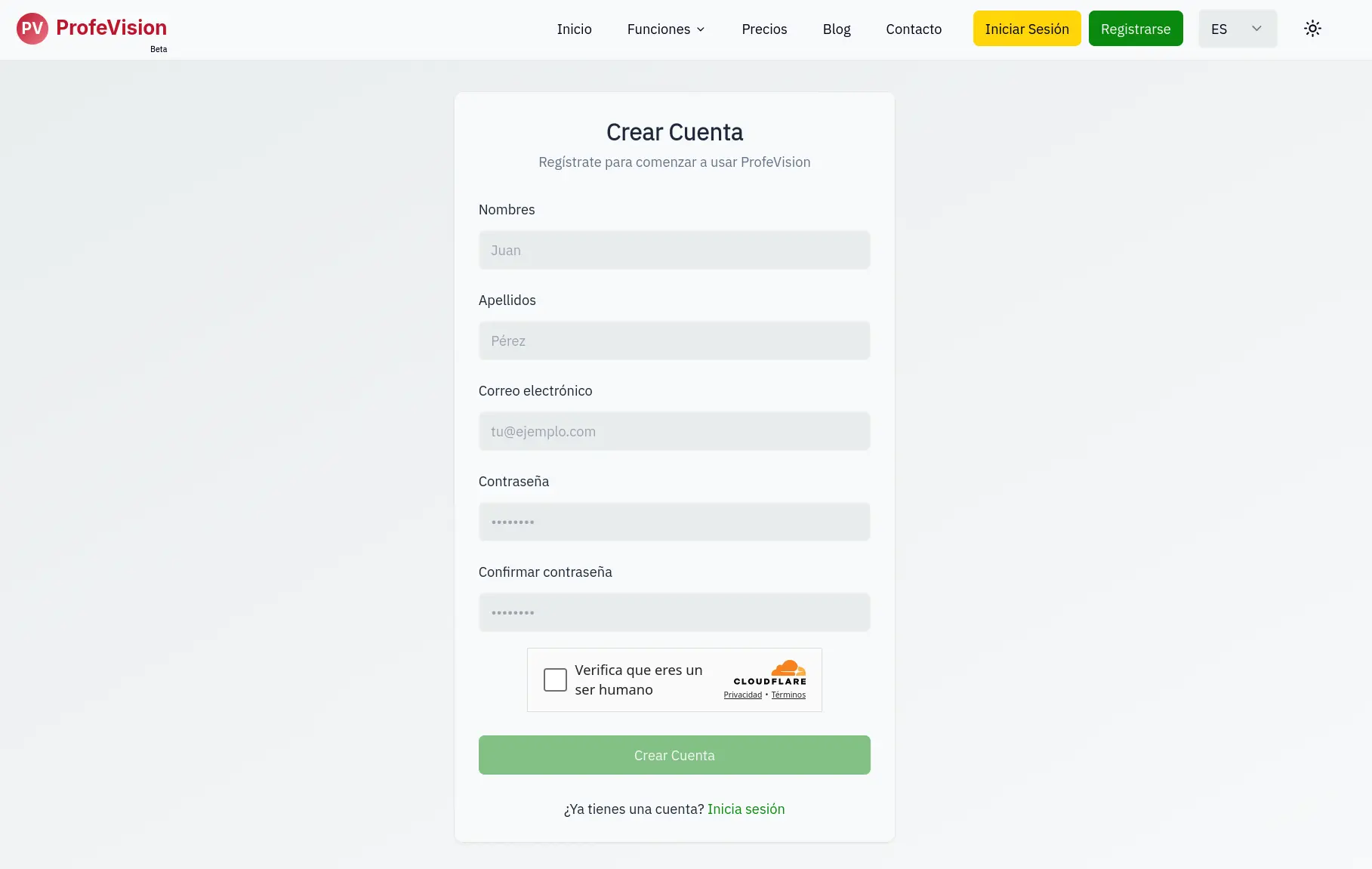
- Go to the registration page
- Fill in the form:
- First Name: Your first name (min 2 characters)
- Last Name: Your last name (min 2 characters)
- Email: Your email address
- Password: Minimum 6 characters
- Confirm Password: Repeat your password
- Complete the security CAPTCHA
- Click Create Account
Verify your email
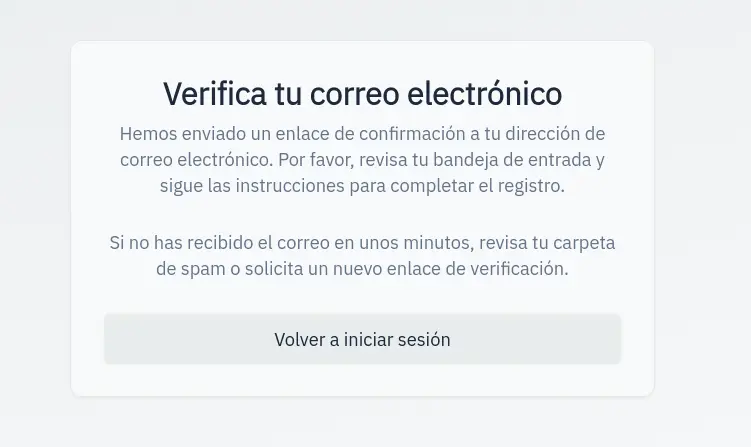
After registering:
- Check your inbox
- Find the email from ProfeVision
- Click the verification link
If you can't find the email, check your spam folder.
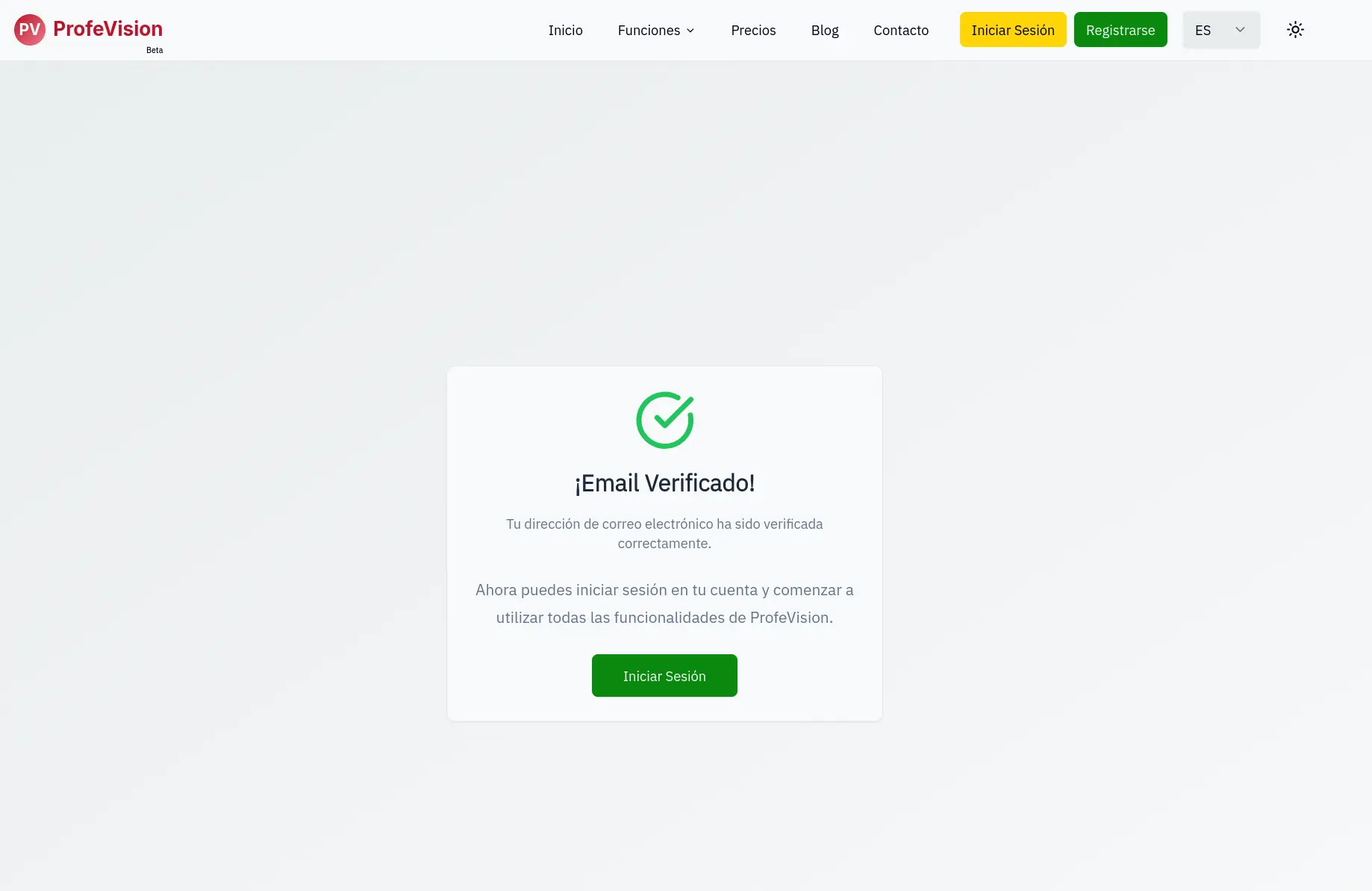
Confirmation
After clicking the link you'll see a confirmation page. Your account is ready.