Import document
Extract questions from PDF or Word files
Import document
Convert existing exams to digital format automatically.
Supported formats
- Word (.doc, .docx)
Access
- In the sidebar, click Exams
- Click Import

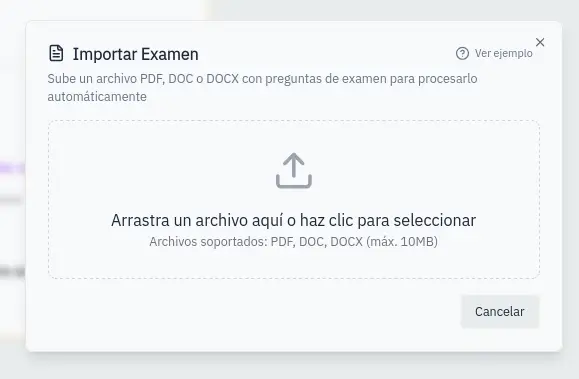
Upload file
- Drag the file to the indicated area
- Or click to select the file
- Wait while it processes
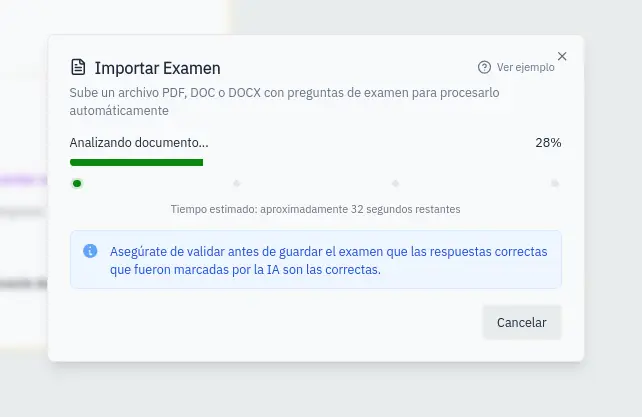
Extraction process
The system:
- Reads the document
- Identifies questions
- Extracts answer options
- Detects correct answers (if marked)
You'll see progress indicators during the process.
Review results
- Review the preview of extracted questions
- Click Import to continue
- You'll be redirected to the creation form
- Edit questions if needed
- Complete the exam information
- Save the exam
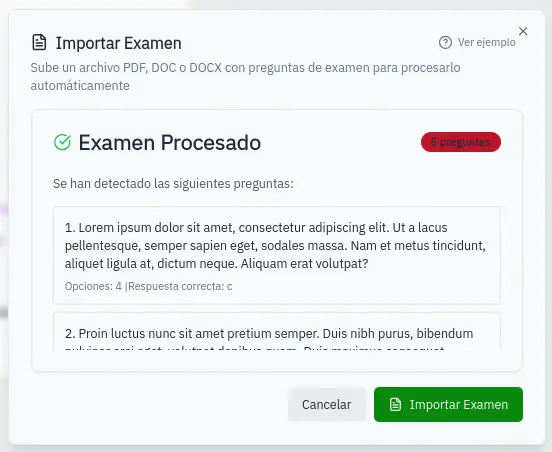
Always review imported questions. Automatic extraction may require adjustments.