Edit exam
Modify existing exams
Edit exam
Modify your exams after creating them.
Access
- In Exams, find the exam
- Click Edit
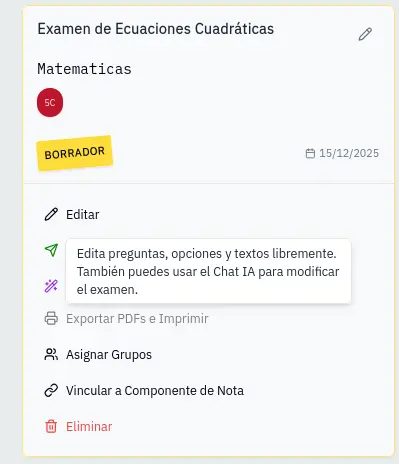
Draft exams
While the exam is in draft you can:
- Edit question text
- Change answer options
- Modify correct answer
- Add or delete questions
- Reorder questions
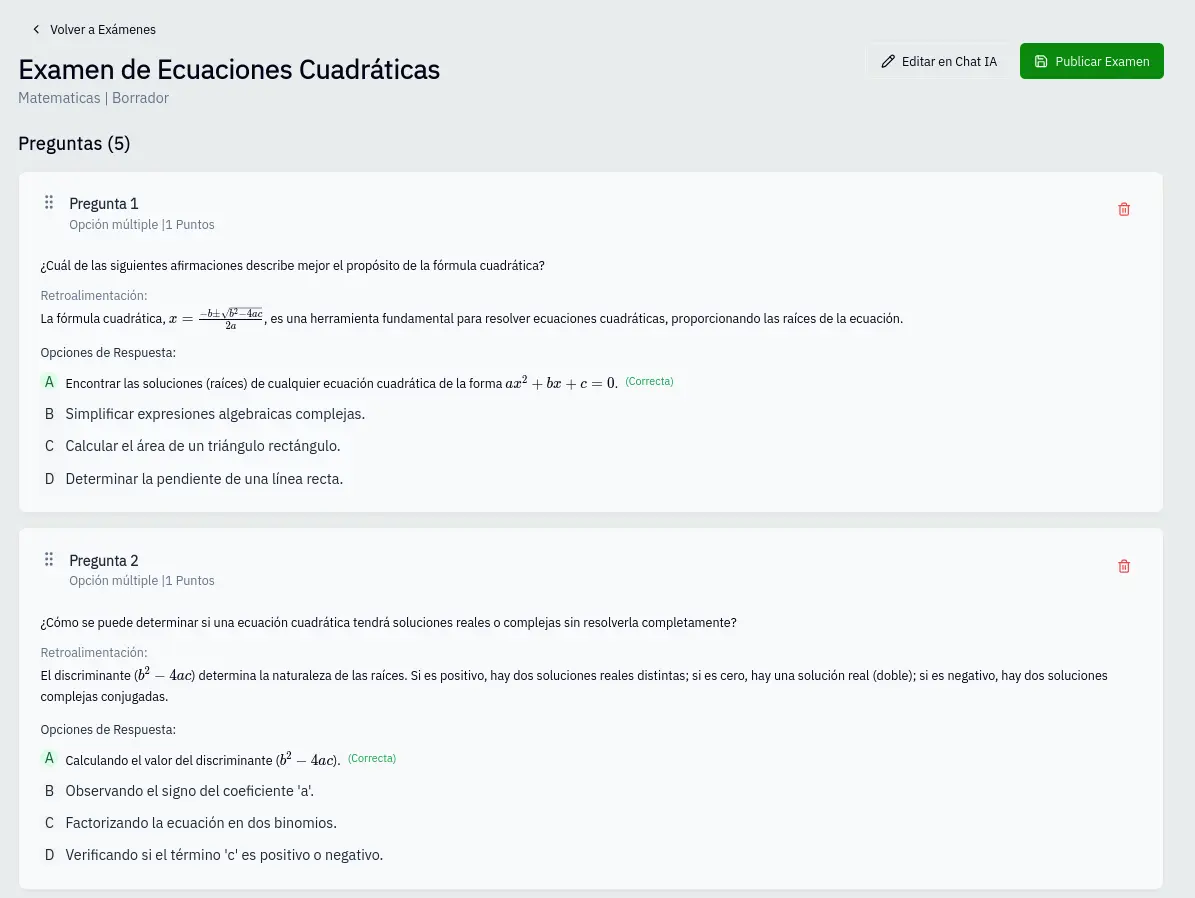
Publish exam
When the exam is ready:
- Click Publish
- Status changes from "Draft" to "Published"
- You can generate PDF and assign to groups
After publishing, edit options are limited to protect results integrity.
Published exams
In published exams you can:
- Enable/disable questions: Question is excluded from calculation
- Change correct answer: Automatically recalculates grades
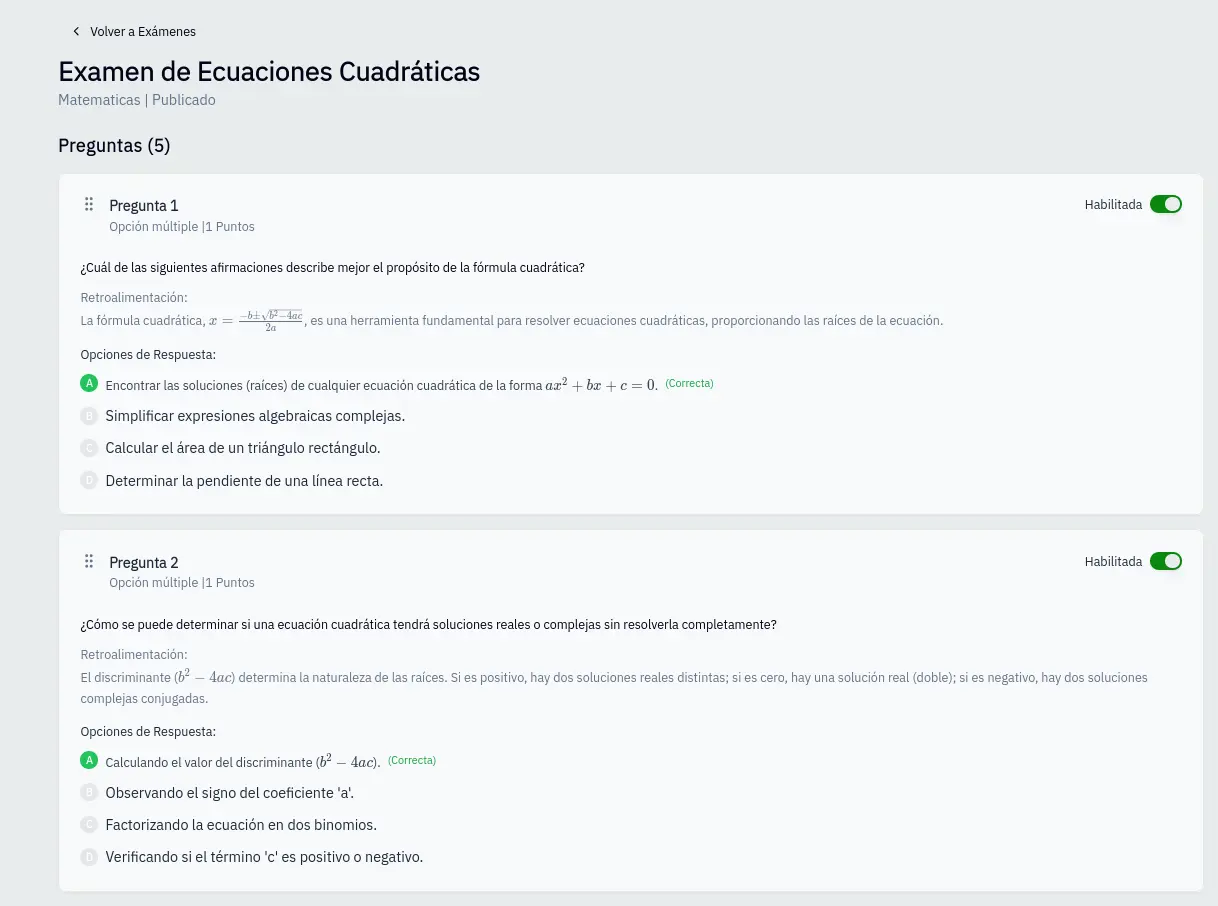
Change correct answer
- Click on the option that should be correct
- Confirm the change
- System recalculates all grades
When changing the correct answer, all student grades are automatically updated.