Assign to groups
Link exams with your student groups
Assign to groups
Connect an exam with one or more groups to apply it.
Access
- On the exam page, click Assign
- Or from the exams list, select Assign to groups
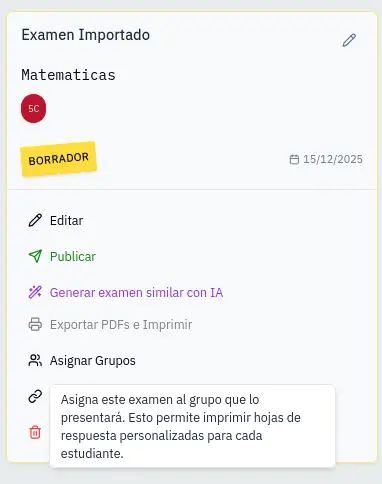
Select groups
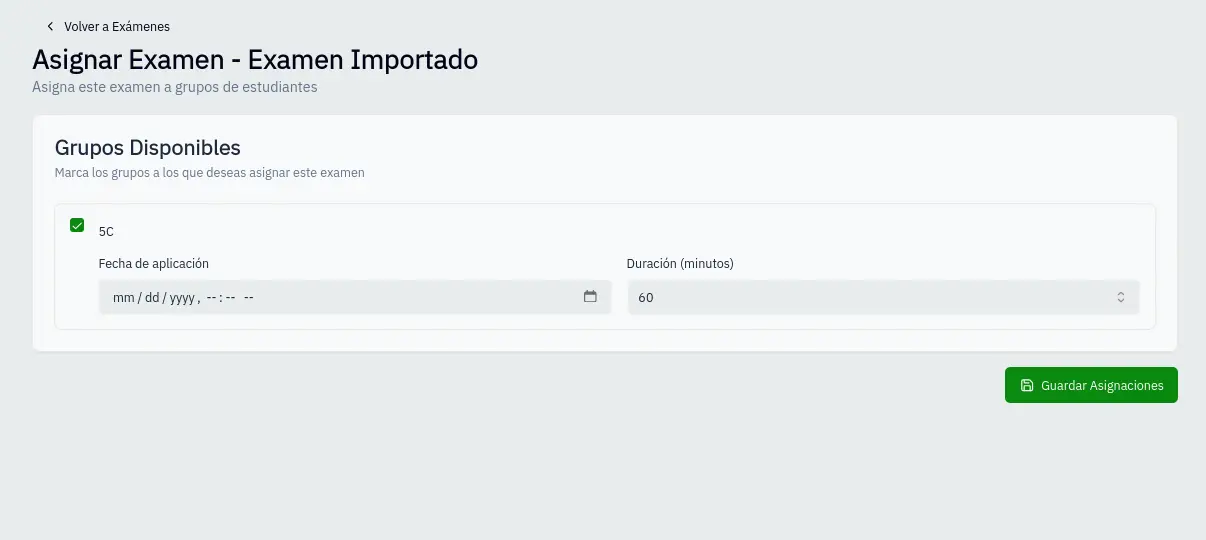
- You'll see active groups from the same subject
- Check the groups where you'll apply the exam
- For each selected group, configure:
- Application date: When it will be applied
- Duration: Time in minutes (defaults to exam's duration)
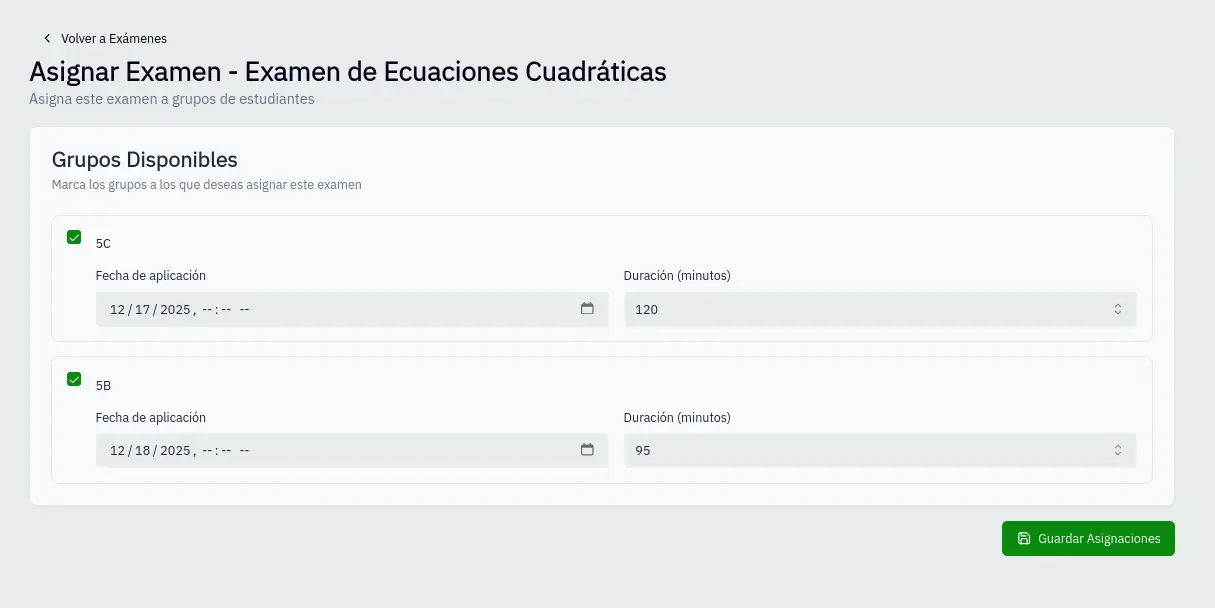
Configure per group
Each group can have different settings:
| Field | Description |
|---|---|
| Date | Application day and time |
| Duration | Available minutes |
Save
- Click Save
- Groups are linked to the exam
- You can generate PDF with correct QR for each group
Only active groups from the exam's subject are shown.