AI Chat
Create exams by chatting with artificial intelligence
AI Chat
Create exams conversationally with AI assistance.
Access
- In the sidebar, click Exams
- Click Create with AI
How it works
- Describe the exam you need
- AI asks questions to better understand
- Generates questions based on your conversation
- Review and adjust the result
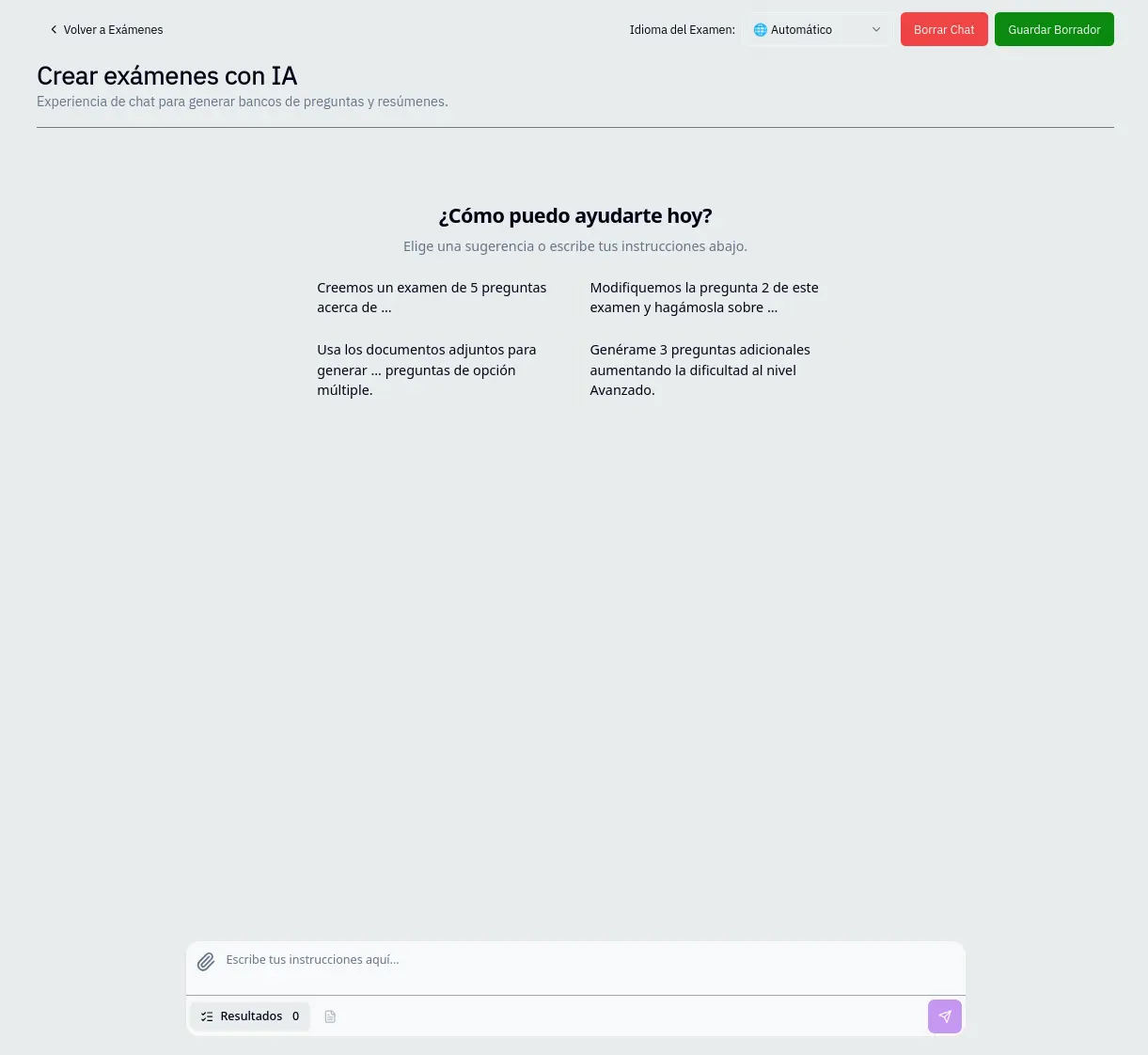
Conversation example
You: I need a math exam about fractions for 5th grade
AI: Got it. How many questions do you need? What operations do you want to include?
You: 10 questions, addition and subtraction of fractions
AI: Perfect. Generating the exam...
Available options
- Language: Change the conversation language
- Clear chat: Delete conversation and start over
- Save draft: Save progress to continue later
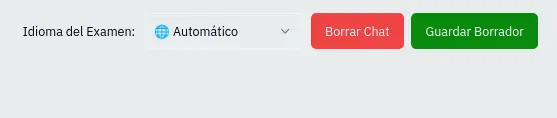
Save draft
- Click Save draft
- Choose a name for the draft
- Continue later from where you left off
Drafts are saved to your account and you can access them from the exams list.
Pedagogical Approach
This tool does not improvise; it simulates the cognitive process of an expert instructional designer.
Key Principles
- Backward Design: The system defines learning objectives first (Planning) and then builds instruments aligned to those objectives. This ensures content validity and avoids biased assessments.
- Bloom's Taxonomy: Each question targets a specific cognitive level (Remember, Understand, Apply, Analyze, Evaluate), allowing for the assessment of real competencies rather than superficial memorization.
- Zone of Proximal Development (Vygotsky): Through "mixed" difficulty settings, we create scaffolding that guides the student from basic concepts to complex analysis.
- Formative Assessment: The inclusion of a "rationale" for every answer transforms the exam into a learning tool, providing immediate feedback that reinforces metacognition.